August 27th, 2026
Crewhu Pulse NPS is the Net Promoter Score module within Crewhu Pulse. It enables you to run NPS campaigns to measure customer loyalty. You collect responses, and each one can trigger automated actions, such as recognizing the employee responsible for a high score or sending email notifications.
This release is a major upgrade to that experience. Here's what's new:
Higher response rates. A smarter reminder flow with configurable timing, sequence, and sender helps bring more customers back to actually respond.
Full customization. Layout, questions, branding, and flow are yours to control, so the survey reflects your brand, not a generic template.
Clear visibility. Track exactly which email drove each response, follow sentiment trends over time, and view score evolution in one dashboard, no spreadsheets required.
Promoters into reviews. Happy customers can be automatically prompted for a Google review right after they respond, with the review routed into Crewhu Echo for an AI-drafted reply.
Automated actions. Every response can trigger a workflow, from internal recognition to notifying the right person the moment feedback comes in.
Clean data. A new contact and company structure makes duplicate contacts and companies impossible.
Available on every plan. Pulse NPS now ships with Listen, Recognize, and Grow. Higher tiers unlock more contacts, simultaneous campaigns, automatic reminders, and custom domain sending.
Learn more in the Help Center: https://get-help-tnt.crewhu.com/hc/en-us/articles/54758414638355-Pulse-NPS-Overview-and-Navigation
May 18th, 2026
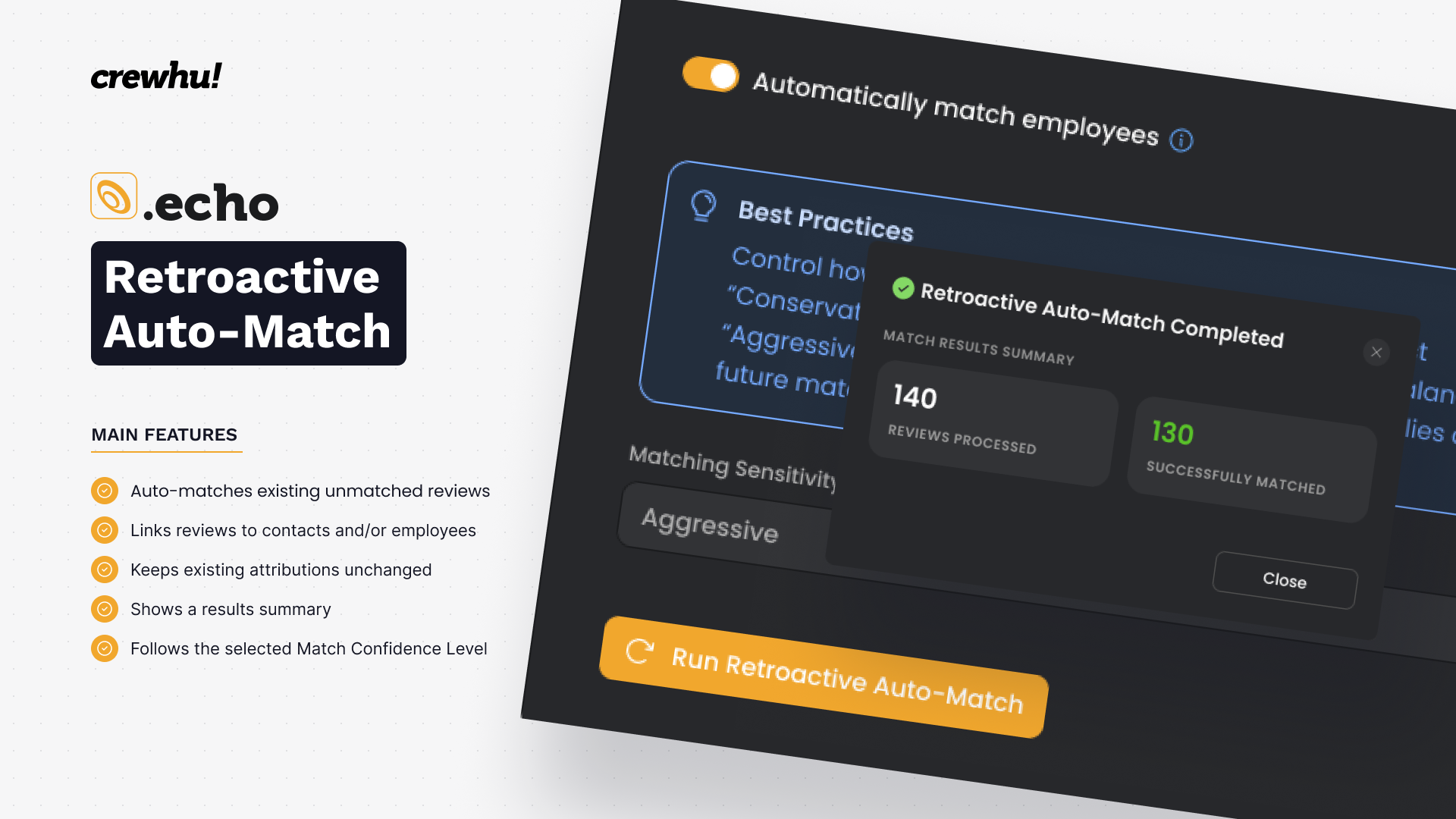
We just made Echo’s automatic attribution more powerful, not only for new reviews, but also for reviews that were already there before auto-matching was enabled.
Until now, auto-match only started working once the automation was turned on. Helpful… but older reviews could still remain unattributed.
Introducing: Retroactive Auto-Match
Now you can run auto-match over past Google reviews and let Echo attribute eligible reviews to the right contacts and employees.
This means you can now manage reviews without doing it manually.
What it does
Runs auto-match on existing unmatched reviews;
Attributes reviews to contacts and/or employees when Echo finds a valid match;
Preserves existing attributions (manual or automatic matches are not overwritten);
Shows a result summary after the process runs;
Uses the selected Match Confidence Level settings: Conservative, Balanced or Aggressive.
Why this matters
Older reviews no longer have to stay disconnected from contacts and employees. You can:
Connect historical reviews to the right people;
Improve visibility into who is driving customer feedback;
Recognize employees for past reviews when automatic recognition is enabled;
Reduce manual attribution work;
Get more complete and reliable reputation data inside Echo.
Important note
If Automatically recognize employees is enabled, retroactive auto-match may send review badges to employees linked to the reviews it matches.
If you do not want badges to be sent retroactively, you should disable this option before running retroactive auto-match and enable it again after the process is complete.
This turns auto-matching from a “from now on” feature into a way to improve the quality of existing review data.
👉 Click here to learn more in our KB
If you have any questions, feel free to reach out to your Account Manager - we’re here to help.
Turn your reviews into results. 🚀
April 14th, 2026
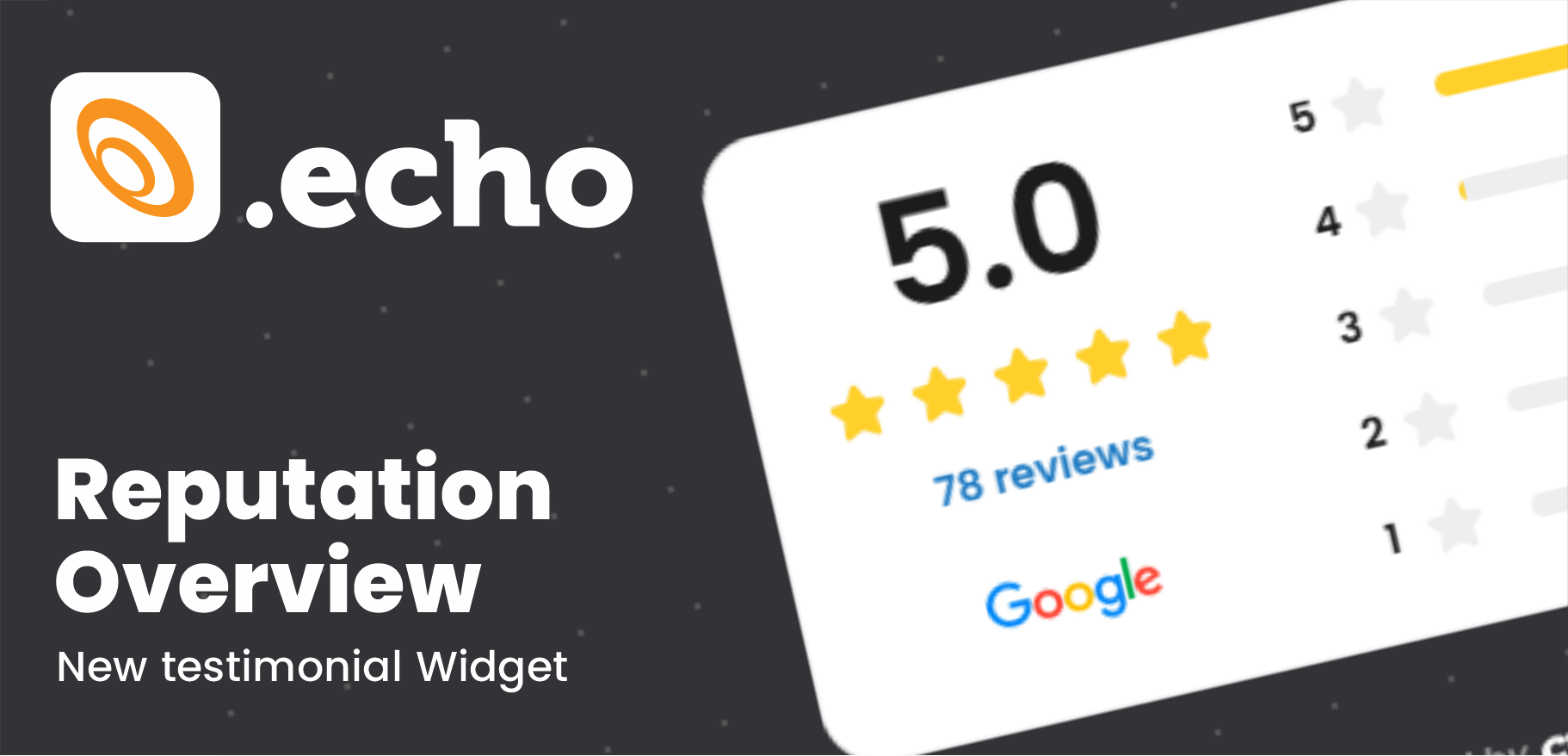
Now, with Crewhu Echo, you can display your Google reviews directly on your website - turning customer feedback into a powerful trust signal.
You can choose how you want to present your reputation:
⭐ Carousel Widget – Show all your Google reviews in a dynamic, scrollable format
📊 Reputation Overview – Highlight your average rating, total reviews, and rating distribution in a clean, visual summary
This means your visitors don’t have to search for your reputation - they see it instantly.
💡 Why this matters
Build trust faster with real customer feedback
Increase conversions with visible social proof
Improve SEO with fresh, relevant content on your site
Getting started is simple: create your widget, copy the code, and add it to your website.
👉 Learn more in our KB:
https://get-help-tnt.crewhu.com/hc/en-us/articles/47184497278099-Echo-Online-Reviews
If you have any questions, feel free to reach out to your Account Manager - we’re here to help.
Turn your reviews into results. 🚀
March 31st, 2026

We’ve completed an important step in evolving Crewhu: the Hub is now the central place for key user actions and experiences.
🔄 What’s changing
Users with the “Only user information” profile are now automatically redirected to the Hub when logging in.
All other users will continue accessing the legacy platform, but with key updates:
The following features have been permanently moved to the Hub:
Give Badge
Buy Prizes
My Leaderboards
My Profile
Cafe
In the legacy platform, these sections now display a message with a direct link to perform the action in the Hub.
💡 What this means for you
The Hub is designed to provide a more modern, intuitive, and engaging experience, making it easier for users to interact, recognize others, and access what matters most—all in one place.
✨ New features now available to everyone
Alongside this update, we’re also expanding access to important features:
Hypes are now available for all customers
The Culture Impact profile is now part of every user’s experience in the Hub
March 24th, 2026
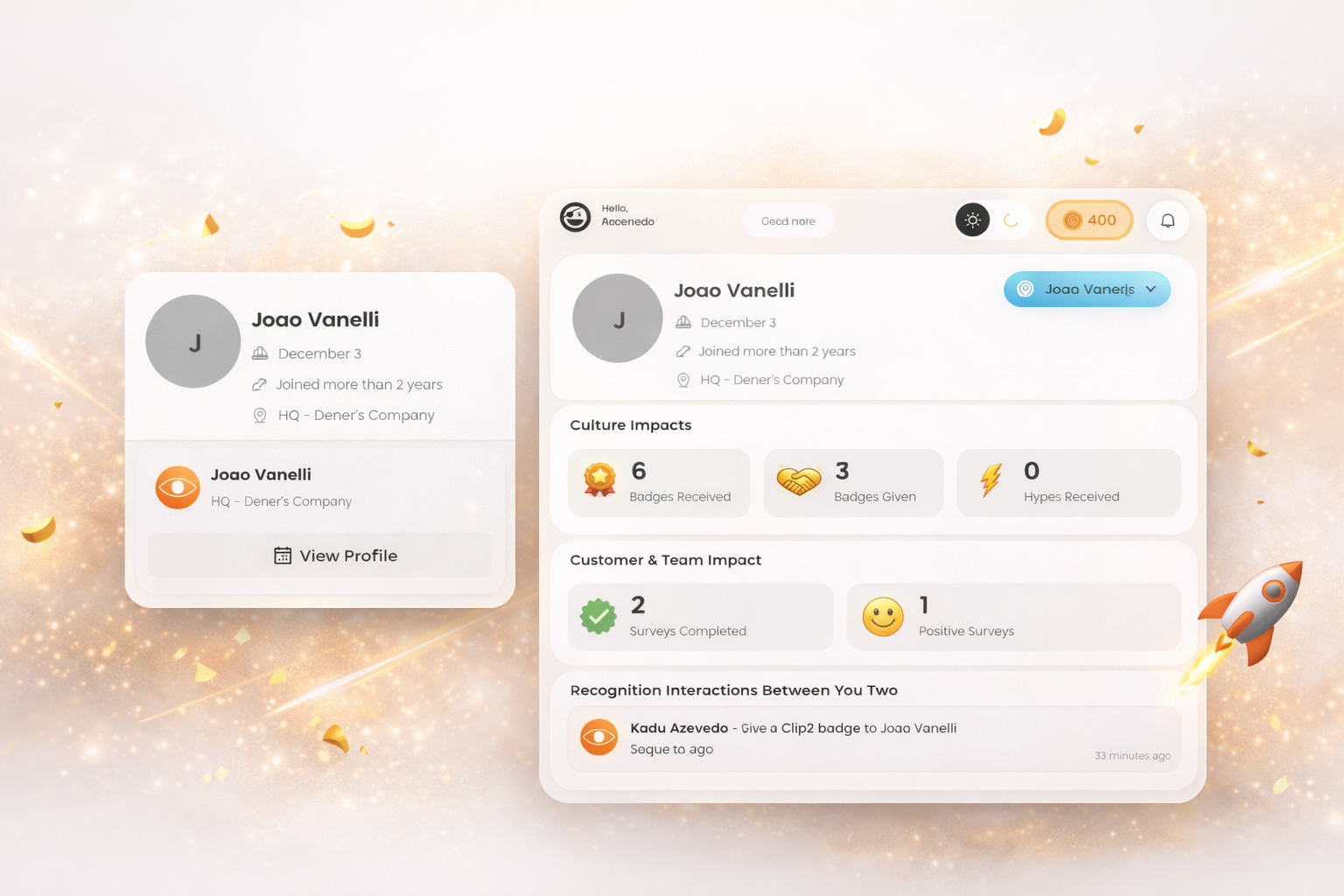
We’re excited to introduce Culture Impact Explorer, a new way to explore and better understand your teammates directly from the Hub.
Now, whenever you see a colleague’s name in badges or surveys, you can quickly learn more about who they are and how they contribute to your company’s culture — without leaving your flow.
🔍 What you can do
Instantly learn about teammates
Get a quick overview of who someone is, their role, and their journey in the company.Explore their cultural impact
See how they participate in recognition, feedback, and engagement across the platform.Understand your connection
View your recognition interactions with that person — making relationships more visible and meaningful.Dive deeper when you want
Access a full profile with consolidated insights about their contributions and achievements.
💡 Why this matters
Culture is built by people — and now it’s easier than ever to see that in action.
Culture Impact Explorer helps you:
Discover the people behind the work
Recognize contributions more intentionally
Strengthen connections across your team
Start exploring your teammates today directly from the Hub 🚀
March 9th, 2026
The following updates have been released to improve usability, visibility of information, and overall platform management. These changes are already available for customers with access to the respective products.
Crewhu Hub
Send badges to teams or everyone
It is now possible to send badges directly to an entire team or to all employees in the company using shortcuts available in the badge creation screen. This makes it easier to recognize group achievements or company-wide efforts.
Notifications for comments and likes
Users will now receive notifications when someone comments on or likes a badge or post they are involved in. This change helps increase visibility and engagement around recognitions and interactions in the Hub.
Crewhu Trends
Integration permission verification
Administrators can now verify whether the required permissions for integrations are correctly configured. This helps identify potential issues during integration setup.
Edit metric names
Metric names can now be edited after creation, allowing administrators to adjust naming conventions or improve clarity in dashboards.
Disable data sources
It is now possible to disable a data source to stop its synchronization without removing the configuration. This allows better control over which data sources are actively syncing.
Full metric description visibility
The complete description of each metric is now visible in the metric list, making it easier to understand the purpose and definition of each metric.
Pending synchronization status
Data sources that are currently synchronizing are now displayed with the status "Pending", providing better visibility into synchronization processes.
Request new metrics or data sources
Customers can now submit requests for new metrics or data sources directly from within Trends, making it easier to communicate feature and integration requests to the product team.
January 23rd, 2026
To improve overall platform performance and stability, we’ve updated the pagination limits for our OpenAPI.
What changed
Maximum records per request is now 100 (previously 1,000)
Default records per request is now 20 (previously 100)
Why this matters
This change helps ensure faster response times, better load distribution, and a more reliable experience across the platform.
What you may need to do
If your integration requests more than 100 records per API call, please update your pagination logic to fetch data across multiple pages.
No endpoints were changed or removed. Only pagination limits and defaults were updated.
If you have questions or need assistance, our Support team is ready to help.
January 20th, 2026
We’ve just released new enhancements that improve usability, control, and data analysis across Crewhu. These updates are now available to all customers.
💬 Delete Comments in Hub Posts
You can now delete comments directly from posts in the Hub.
Why this matters:
More control over conversations and interactions
Easier moderation and cleanup of outdated or incorrect comments
A cleaner and more intentional collaboration space for employees
⏱️ New Timeframe Filters in Pulse
Pulse now includes additional timeframe options based on previous periods:
Yesterday
Last week
Last month
Last quarter
Last year
Why this matters:
Faster comparisons with past performance
Clearer trend analysis without manual date selection
More intuitive and flexible data exploration
These improvements continue our focus on usability, clarity, and better decision-making across the platform.
As always, feedback is welcome and helps us keep improving.
December 15th, 2025
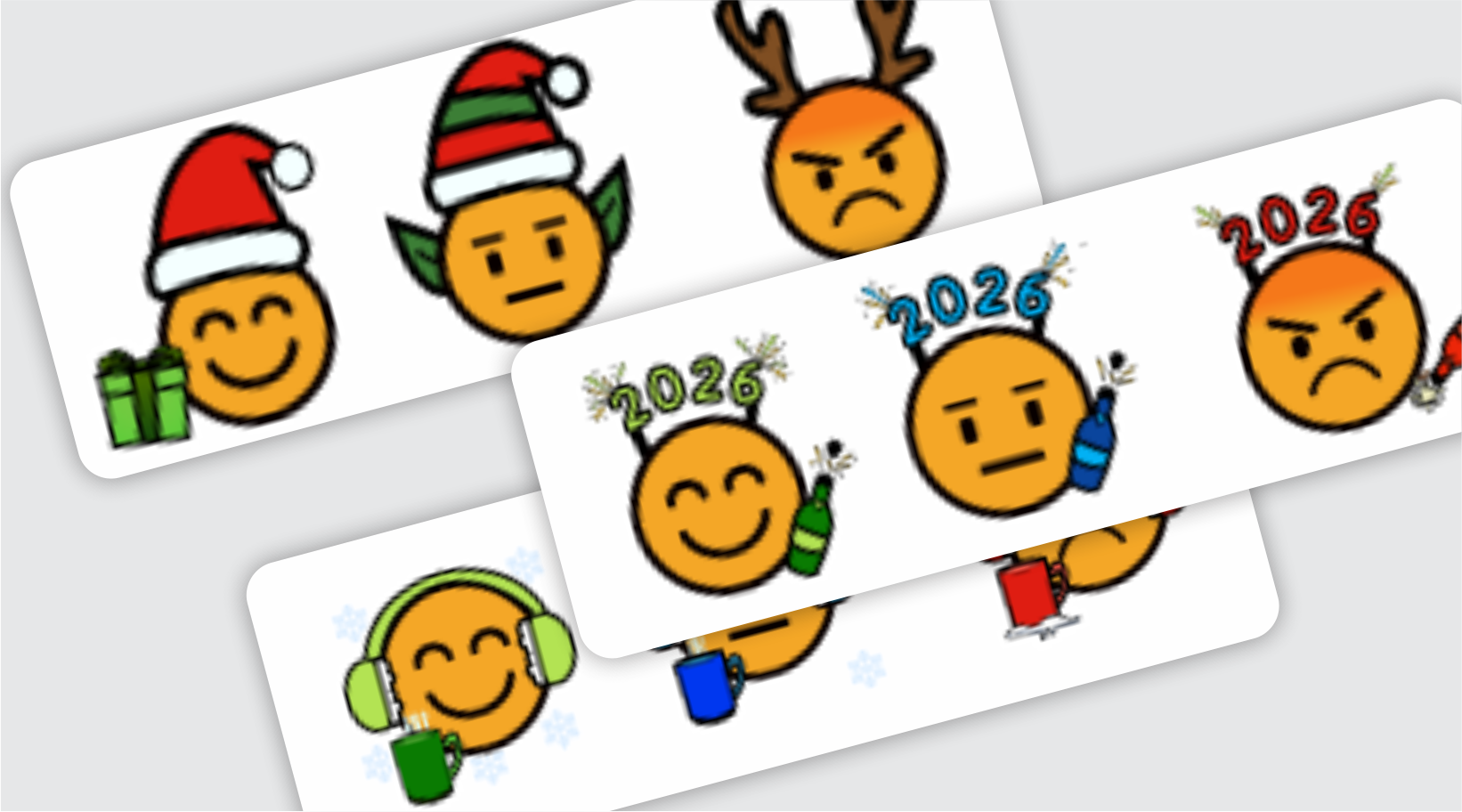
The surveys just got a holiday glow up.
We’ve rolled out special seasonal humojis for Christmas, New Year, and Winter, bringing a fresh and fun vibe to your surveys just in time for the season.
Why does this matter?
Changing survey smile faces regularly keeps the experience feeling new, more human, and way more engaging. And yes, that usually means higher response rates and better feedback 😉
So go ahead. Let your surveys match the season and give your customers something that makes them smile before they even answer.
Happy holidays and happy feedback collecting 🎁😊
December 9th, 2025
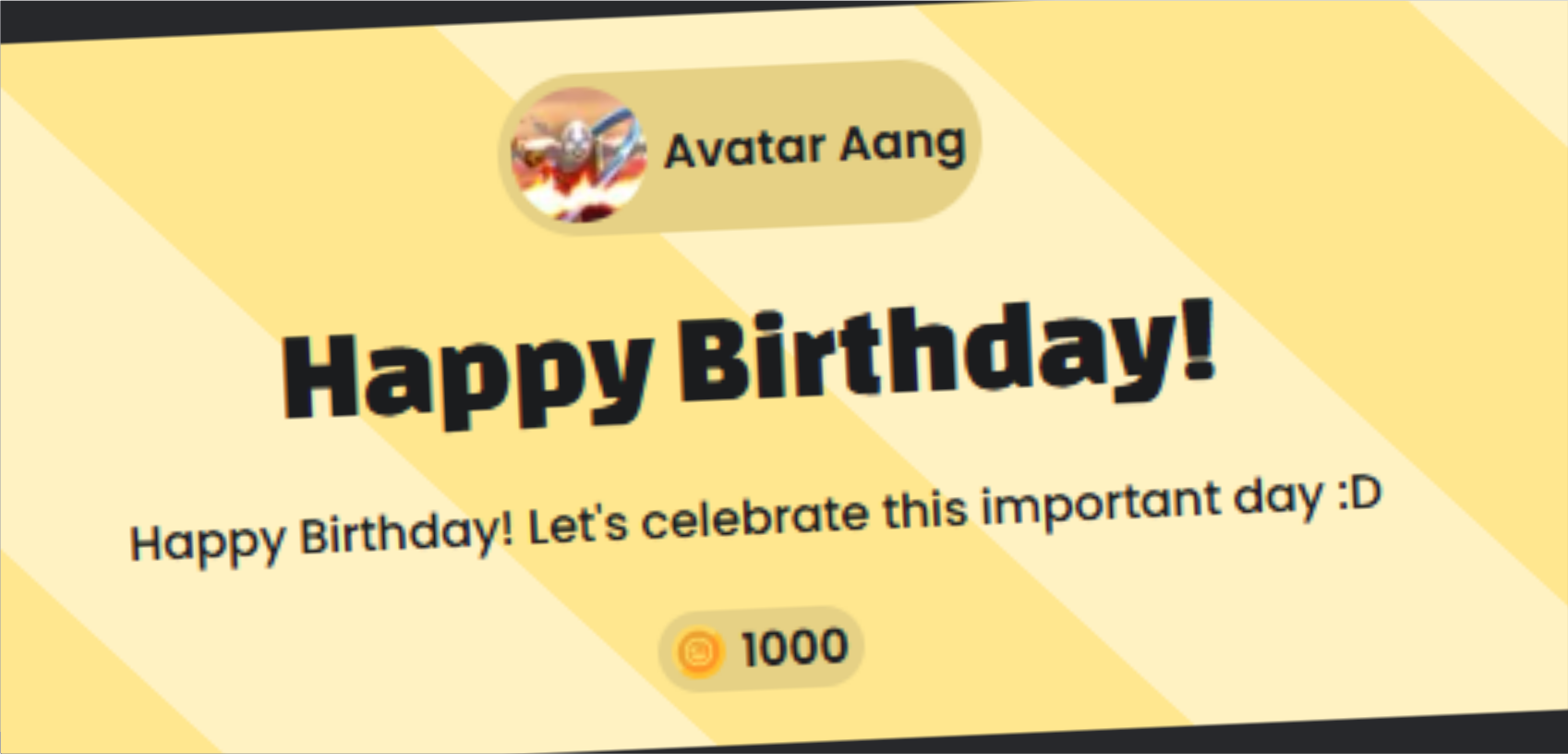
We’ve just rolled out a fresh new design for Birthday and Work Anniversary posts inside the HUB and they look better than ever.
These celebrations are now more beautiful, eye catching, and engaging, making special moments impossible to miss and even easier for everyone to join the celebration.
✅ More visual impact
✅ Stronger emotional connection
✅ More engagement around special dates
This update reinforces what the HUB is all about: bringing people closer through recognition and shared moments.
Make sure to check it out and celebrate your teammates.